How to Monitor Product Tutorial Inaccuracies in LLMs
When customers need help, they are increasingly likely to ask an AI for "how to" instructions rather than search traditional documentation portals. However, LLMs trained on older data often provide tutorials for deprecated UIs and retired API endpoints. Monitoring product tutorial inaccuracies in LLMs helps you catch and correct hallucinated software guides before they frustrate users and drive up support tickets.

The Shift from Documentation Portals to AI Assistants
Customer support and user education are changing. Rather than searching through knowledge bases or reading static documentation pages, users turn to generative AI platforms for direct answers. According to Gartner, traditional search engine volume will drop by 25 percent by 2026. This shift means your users are actively asking tools like ChatGPT, Claude, and Perplexity how to use your software.
This conversational experience introduces a risk for product teams. AI models do not always have access to your most recent product updates. They rely on their training data, which might be months or years old. When a user asks for a specific workflow, the AI might generate a tutorial based on an outdated interface.
The impact of these inaccuracies is costly. A user might follow a five-step guide generated by an LLM, only to find that the buttons described in step three no longer exist. They become frustrated, assume your product is broken, and file a support ticket. To prevent this, software teams should treat AI platforms as an extension of their own documentation and actively monitor what these systems are telling their users daily.
Helpful references: Prompt Eden Workspaces, Prompt Eden Collaboration, and Prompt Eden AI.
What is Monitoring Product Tutorial Inaccuracies in LLMs?
Monitoring product tutorial inaccuracies in LLMs involves tracking AI platforms to detect when they generate hallucinated, outdated, or unsafe step-by-step instructions for your software.
This approach shifts the focus of AI brand tracking from marketing visibility to customer support and technical documentation accuracy. Traditional search engine optimization focuses on getting your documentation pages to rank high on Google so users can find them. In contrast, Answer Engine Optimization (AEO) and LLM monitoring focus on ensuring the text generated by AI models is factually correct and helpful.
The challenge is that AI hallucinations in technical tutorials are often subtle and specific. The model might write a formatted Python script that uses a retired API endpoint, causing the code to fail upon execution. It might correctly explain a core concept but instruct the user to go to a settings panel you removed three months ago. Because the AI writes with confidence, users rarely question the instructions until they hit an error.
Monitoring must also distinguish between different types of inaccuracies. An outdated UI reference is a usability issue. A hallucinated authentication method is a security risk. By monitoring these outputs systematically, product and support teams can identify which workflows are being hallucinated. They can then take targeted action to update the AI's understanding through content optimization, ensuring that the guidance users receive reflects the current state of the product.
How to Audit LLMs for Hallucinated Tutorial Workflows
To maintain control over your product's user experience, you need a systematic process for evaluating AI-generated tutorials. Follow this step-by-step methodology to audit LLMs for hallucinated workflows and technical inaccuracies.
1. Identify High-Risk How-To Prompts Start by analyzing your internal support tickets and user analytics. Compile a list of the most common tasks users struggle with, along with recent features that involved interface changes. Translate these tasks into natural language prompts, such as "How do I export a CSV report in [Your Product]" or "Write a Node.js script to authenticate with the [Your Product] API."
2. Execute Prompts Across Multiple AI Platforms Do not rely on a single model. Execute your list of prompts across ChatGPT, Claude, Perplexity, Gemini, and Google AI Overviews. Different models use different retrieval mechanisms and have varying training data cutoffs. A tutorial that is accurate in Claude might contain hallucinations in Gemini.
3. Analyze the Retrieval-Augmented Generation Triad When reviewing the generated tutorials, evaluate them against three criteria. First, check context relevance to see if the AI pulled from your actual documentation. Second, check groundedness to ensure the AI did not invent features or settings that do not exist. Finally, check answer relevance to confirm the tutorial solves the user's specific problem without going off on tangents.
4. Test the Generated Instructions Read-throughs are not enough for technical tutorials. You must actively test the steps in your software. Open your application and try to follow the AI's instructions exactly as written. If the tutorial involves code, copy the code into a local environment and execute it. This execution-based verification is the only way to catch subtle errors, like a missing required parameter in an API call.
5. Document Deprecated Elements Whenever a tutorial fails, identify exactly why it failed. Did the AI reference an old user interface? Did it use an API endpoint that was deprecated in your last major release? Catalog these specific errors. This error log becomes the foundation of your remediation strategy.
6. Deploy Corrective Citations Once you identify consistent hallucinations, you must correct them. You cannot directly edit an LLM's weights, but you can influence its retrieval systems. Publish structured, easily crawlable documentation that directly addresses the hallucinated workflow. Use clear headings that match the problematic prompts, and ensure your robots.txt file allows AI crawlers to access these corrective pages.
The Hidden Costs of AI Hallucinated Product Tutorials
Ignoring what AI assistants tell your users carries operational costs. When LLMs trained on older data provide tutorials for deprecated UIs and retired API endpoints, the resulting friction damages your customer experience and drains internal resources.
The most immediate impact falls on your support team. When a user tries to follow an AI-generated guide and fails, they rarely blame the AI. Instead, they blame your software. They open a support ticket stating that your interface is broken or your API is returning errors. Your support agents then have to spend time untangling the situation. They often ask the user where they found the incorrect instructions, only to discover the user relied on a hallucinated ChatGPT response.
Consider a scenario where a new developer is evaluating your SaaS platform. They ask an AI assistant how to configure a webhook integration. The AI provides a detailed tutorial based on a multiple version of your API, complete with endpoints that no longer exist. The developer spends an hour trying to debug the resulting errors, assumes your platform is unstable, and abandons the trial. In this case, an inaccurate tutorial directly caused customer churn.
Beyond support costs and lost revenue, hallucinated tutorials introduce security implications. If an AI generates a tutorial that includes deprecated authentication methods or suggests unsafe data handling practices, users who copy and paste that code introduce vulnerabilities into their own systems. Monitoring these outputs goes beyond preserving the user experience. It is an important part of platform security and technical integrity.
How Prompt Eden Automates Tutorial Accuracy Tracking
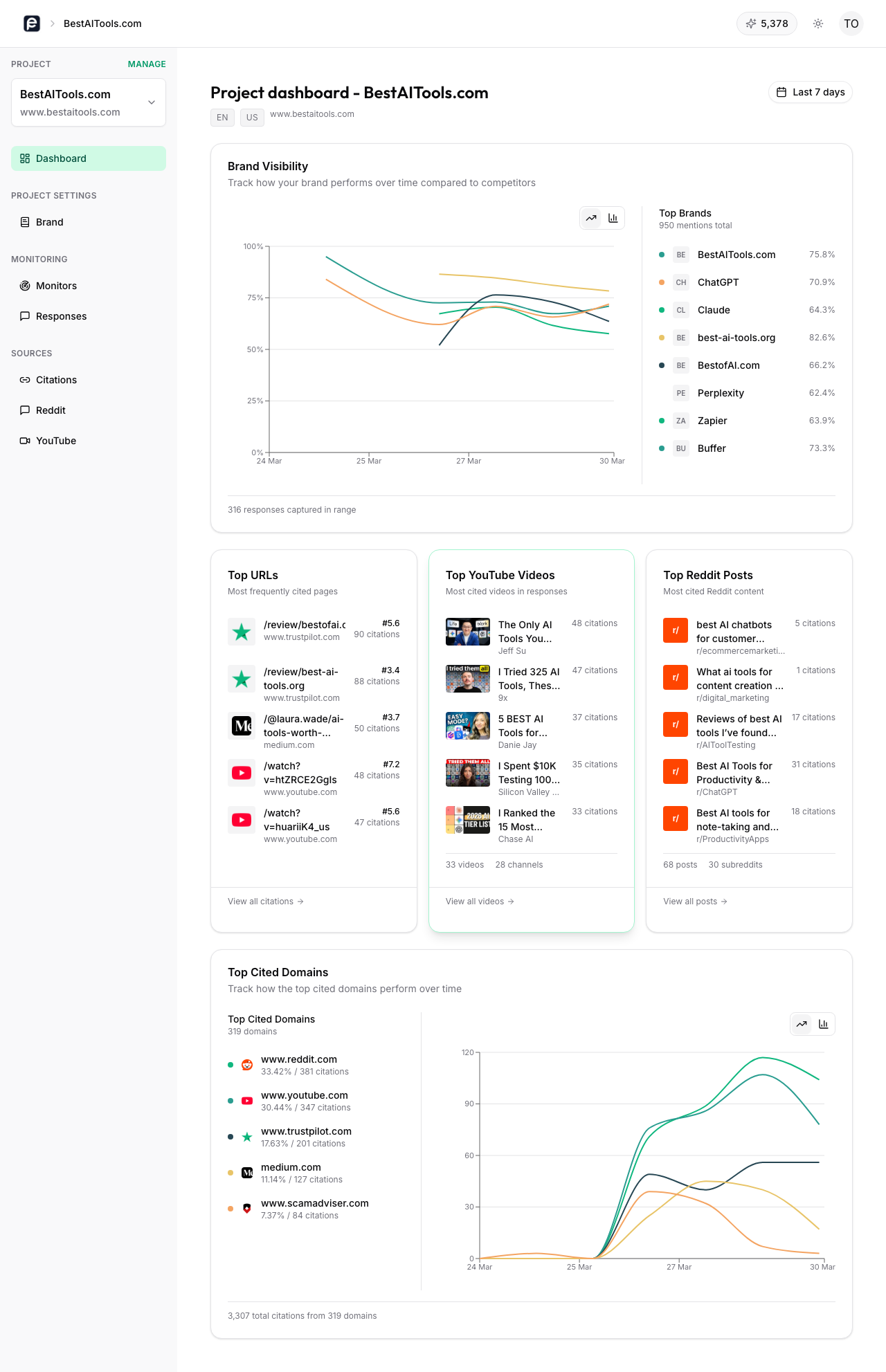
Manually executing prompts across multiple platforms and testing the results is tedious and resource-intensive. As your product evolves and AI models update their weights, a tutorial that was accurate last week might become hallucinated tomorrow. Prompt Eden solves this problem by automating the monitoring process across the generative AI ecosystem.
Prompt Eden tracks your brand and product workflows across five AI surfaces, spanning search engines, API integrations, and autonomous agent categories. You can input your high-risk "how to" prompts into the system, and Prompt Eden will automatically run them on a recurring schedule to test for factual consistency.
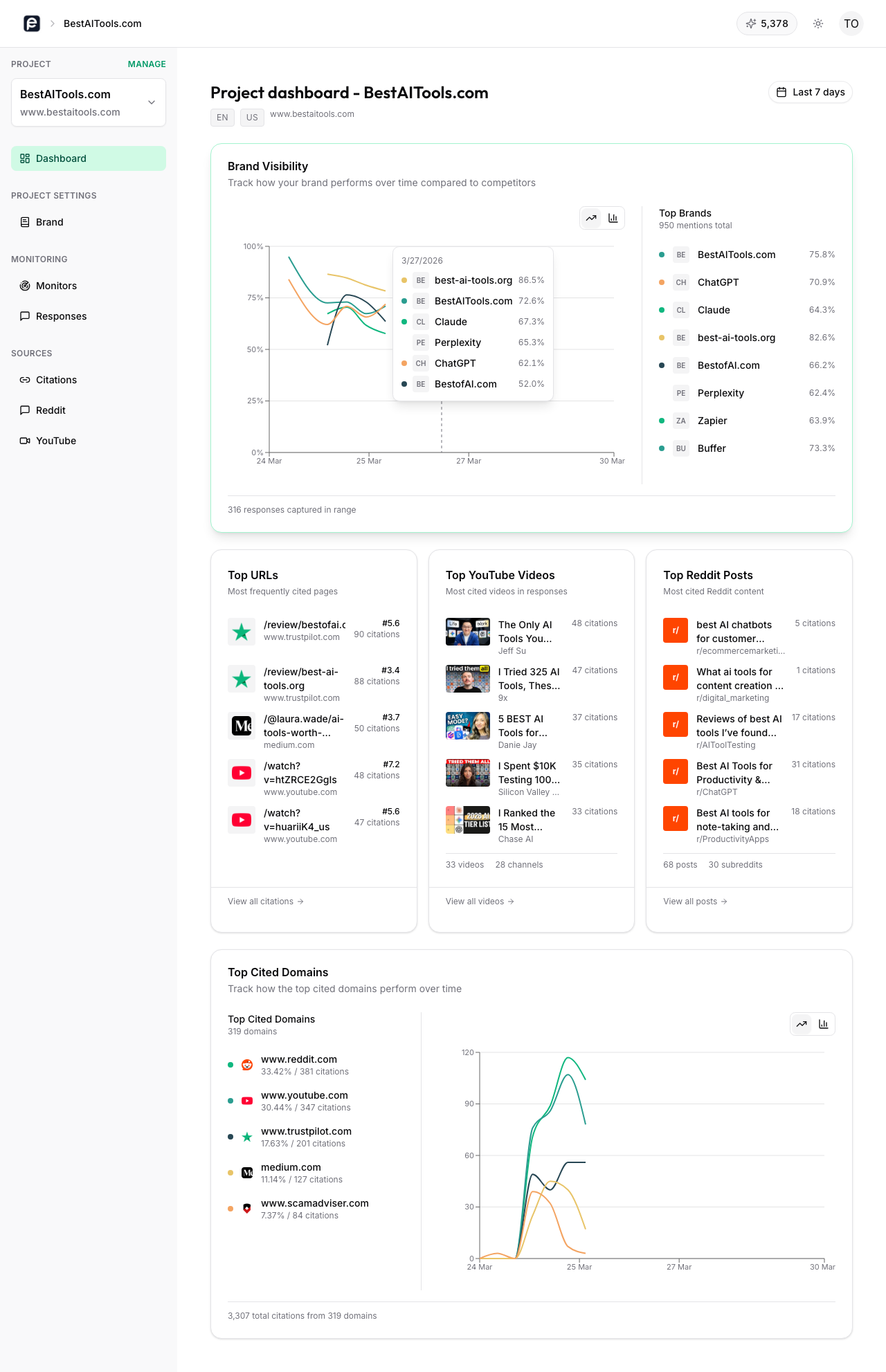
The platform's Prompt Tracking feature allows you to monitor specific workflows over time. You can see what ChatGPT, Perplexity, or Claude is telling your users today compared to last month. If a model starts recommending a deprecated API endpoint after a system update, you can catch the shift early and intervene before it affects users.
Prompt Eden's Citation Intelligence shows you exactly which sources the models are citing when they generate these tutorials. If an AI is building a hallucinated guide based on an outdated third-party blog post rather than your official documentation, you will know which source is causing the problem. You can then reach out to that third party to correct the article or publish authoritative content designed to outrank the outdated source in the AI's retrieval index.
Organic Brand Detection helps you understand competitive context. Sometimes, an AI will recommend a competitor's tool to solve a workflow that your software can handle natively. By tracking these conversational paths, you can identify content gaps in your own documentation and ensure your product is positioned as the ideal solution.
Evidence and Benchmarks for AI Accuracy
The urgency of monitoring AI tutorials is backed by measurable shifts in user behavior. According to Gartner, traditional search engine volume will drop by 25 percent by 2026. This data point highlights a reality: your users are migrating to answer engines, and your technical documentation strategy must migrate with them to maintain a high standard of support.
When companies implement systematic LLM monitoring, the operational improvements are clear and measurable. By identifying hallucinated workflows and publishing targeted corrective content, teams can improve their Visibility Score within AI platforms. This proactive approach intercepts bad instructions before they reach the user, leading to a direct decrease in support ticket volume related to configuration errors.
Tracking recommendation frequency and tutorial accuracy should be a shared KPI between product, support, and marketing teams. The goal is no longer just making sure your documentation ranks on page one of a search engine. The goal is ensuring that when a user asks an AI assistant how to use your product, the generated answer is safe, accurate, and aligned with your current software version.