

How to Format SaaS Feature Deprecation Notices for LLM Ingestion
Answer Engine Optimization ([AEO](/use-cases/seo-for-ai/)) improves how often AI assistants recommend your brand. When you retire a SaaS feature, large language models often hallucinate and continue recommending it. This happens because historical documentation outnumbers your recent announcements. Formatting SaaS feature deprecation notices for LLM ingestion prevents AI models from hallucinating retired features. You can do this by structuring end-of-life dates and replacement workflows so machines can read them. This guide covers how to write AI-readable deprecation alerts and help models understand what your software does today.
Why AI Assistants Hallucinate Deprecated SaaS Features
Large language models often recommend deprecated software features because historical documentation outnumbers recent announcements. AI models train on large datasets that capture snapshots of the internet at specific moments. When you release a new feature, you might write a few blog posts and a single documentation page. At the same time, the internet already holds thousands of forum threads and outdated documentation pages discussing the retired feature. This creates a volume imbalance. The AI assigns higher probability to the old feature since it appears more often in its training weights.
This old information creates problems for your users. A developer might ask an AI coding assistant how to authenticate with your API. The assistant then provides instructions for a token system you retired years ago. The developer copies the code, the request fails, and they blame your product. Traditional search engines handle this well when you redirect an old URL to a new one. Generative AI systems struggle here because they build answers from broad concepts rather than retrieving a single canonical URL.
To fix this, you need to give AI systems machine-readable signals that tell them a feature is gone. Human-readable prose buried in a release note is not enough. You need structural changes to your documentation that override the historical weight of the retired feature.
What to check before scaling how to format SaaS feature deprecation notices for LLM ingestion
The most common mistake engineering teams make when deprecating a feature is deleting the documentation page and returning a 404 error. This approach hurts your AI visibility. When you delete a page, you remove the only authoritative source that could correct the AI model. The AI then falls back on third-party tutorials and cached data that still describe the feature as active.
Instead of deleting the page, use the tombstone page strategy. A tombstone page is a stripped-down version of the original documentation that declares the feature dead. This gives the AI a canonical, high-authority source that negates the historical data.
Start by replacing the page content with clear, negative words. AI models respond strongly to absolute statements. Avoid soft language like "we are moving away from" or "we suggest using." Use direct phrases like "This feature is removed" or "This API is deprecated." Place a high-contrast text banner at the top of the file. This ensures any Retrieval-Augmented Generation pipeline ingesting the page captures the deprecation status in its first text chunk. Finally, name the replacement workflow in the same paragraph so the AI can learn the correct path.
Semantic Formatting for Retrieval-Augmented Generation
When AI companies ingest your documentation for their retrieval pipelines, they split your pages into smaller text chunks. If your deprecation notice sits at the top of the page but the code examples live further down, the chunking process might separate them. An AI model might retrieve a chunk containing the old code example without the deprecation warning.
Semantic formatting solves this chunking problem. You need to make sure every section of your retired documentation includes full context. Instead of using a generic header like "Authentication Method," rewrite the header to include the status, like "Deprecated Authentication Method." This ensures any chunk pulled from that section contains the deprecation warning.
You should also use a before-and-after code block pattern. AI models learn well from contrast. Provide a code block showing the deprecated method, labeled with comments stating it is deprecated. Immediately follow it with a code block showing the new method, labeled as recommended. This contrast teaches the model the relationship between the old and new features. When a user asks the AI for help, the model is more likely to generate the recommended code because you provided the transition map.
Adding Structured Data and Markdown Metadata
While clear text helps language models generate better answers, structured data helps them classify your documentation correctly before generation begins. Schema markup provides clear metadata about the status of your software features.
You can use Schema properties to define the exact lifecycle of your features. While there is no single boolean for deprecation across all schema types, you can apply technical article schemas. Within these schemas, you can define properties that state the feature is no longer supported. This structured data sits in the head of your HTML and tells web crawlers and AI ingestion bots how to index the page.
If you build your documentation using markdown generators, you need to update your frontmatter. You can also deploy an llms.txt file to give AI agents a structured map of your current features. Add lifecycle tags to the top of your markdown files. Tags that mark the status as deprecated and point to a replacement URL give your internal pipelines and external crawlers clear instructions. Many documentation platforms can read these tags and automatically append visual warnings to the rendered page. This means both human readers and AI bots receive the same message about the feature status.
The Changelog as a Knowledge Graph Anchor
Large language models look for central sources of truth to resolve conflicts in their training data. A well-maintained changelog serves as a strong knowledge graph anchor. When an AI model encounters conflicting information about a feature, a structured changelog provides the chronological evidence needed to determine which information is current.
Do not treat your changelog as an afterthought. Format it using standardized conventions. Every entry should have a clear date, a version identifier, and categorized updates like added, changed, and removed. When you deprecate a SaaS feature, list it under the removed category.
Every tombstone page in your documentation should link directly back to the specific changelog entry that announced its removal. This creates a clear connection. The AI model reads the documentation, follows the link to the changelog, and confirms the timeline of the deprecation. Prompt Eden monitors brand visibility across five AI surfaces: chat assistants and Google search. Our data shows that companies with tightly linked, structured changelogs see their deprecated features drop out of AI recommendations faster than companies that only post blog announcements.
Measuring Your AI Visibility Updates
Updating your documentation is only the first step. You have to measure how these changes impact your AI visibility. AI models do not update their responses instantly, so you need to track your progress over time.
You need to track specific prompts related to your retired features. Create a baseline by asking models like ChatGPT, Claude, and Gemini how to use the feature before you publish your tombstone pages. Record their answers. After you publish the updates and submit your sitemaps for recrawling, monitor those same prompts over time. You should see a shift as the models ingest the new signals and begin recommending your new workflows.
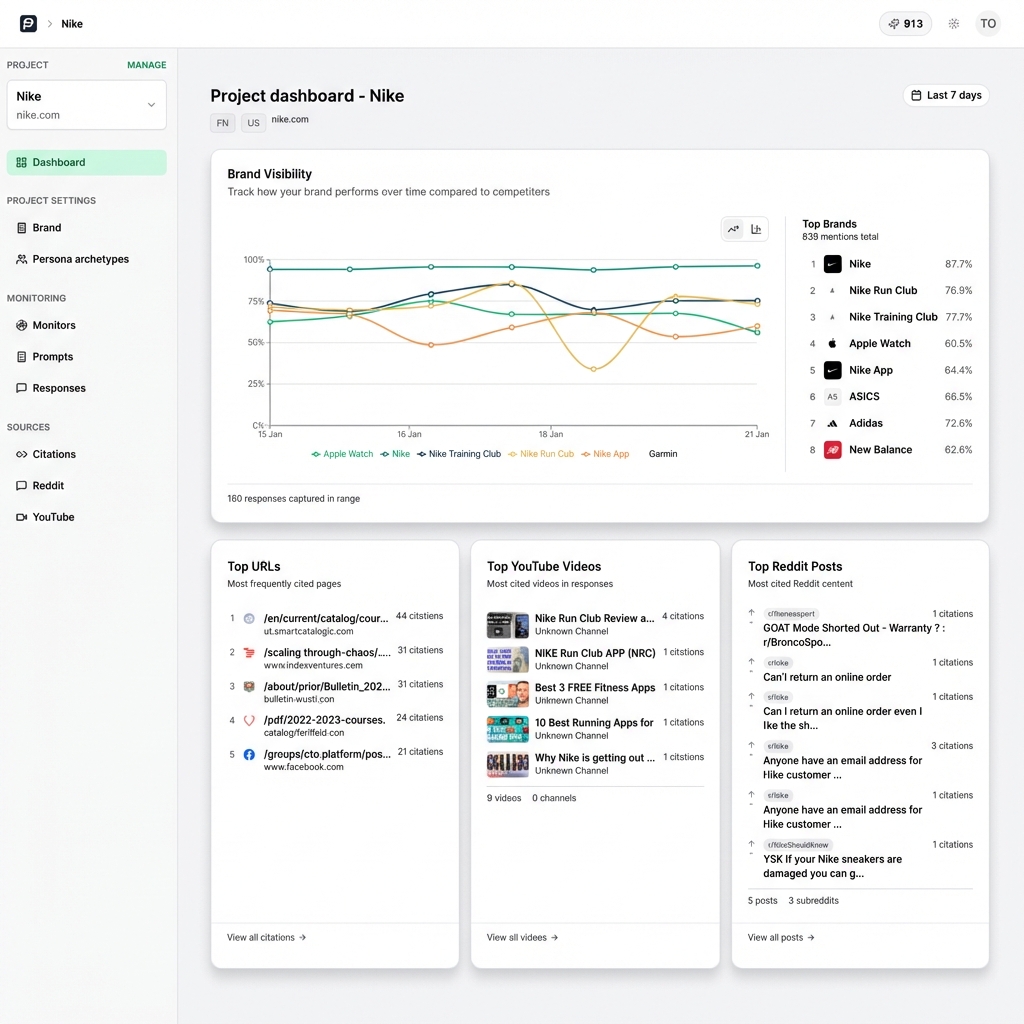
Prompt Eden makes this measurement process simple. You can set up custom prompt tracking to monitor specific queries about your deprecated features. The platform calculates a Visibility Score based on how often you appear and what the models say about you. By tracking this score week over week, you can prove to your engineering and product teams that your documentation updates changed the AI model behavior. When your visibility score for the new feature rises and mentions of the old feature drop to zero, you know your deprecation strategy succeeded.