

How to Run an AI Content Audit in 5 Steps
An AI content audit evaluates whether your existing pages are set up to earn citations from AI assistants. This checklist walks through five steps: reviewing content structure, checking authority signals, assessing freshness, auditing schema markup, and testing visibility across AI platforms.

What Is an AI Content Audit?: content audit checklist
An AI content audit is a review of your existing website content to evaluate how well it is structured and formatted for citation by AI assistants like ChatGPT, Claude, Perplexity, and Google AI Overviews. The focus is different from a traditional SEO audit. Instead of examining meta tags, backlinks, and keyword density, an AI content audit checks whether your pages are formatted in ways that AI systems prefer when selecting sources to quote.
Most web content was built for Google's link-based ranking model. Pages optimized for traditional search often bury their main point below lengthy introductions, lack clear heading hierarchies, or miss structured data that helps AI models understand the topic. These patterns worked when search engines showed ten blue links, but AI assistants generate direct answers and need sources that are structured and easy to extract from.
A well-organized content audit often reveals quick wins. You may not need to write new pages from scratch. Small structural changes, like moving your core answer to the top of a section or adding FAQ schema, can make existing content visible to AI platforms that previously overlooked it.
This checklist breaks the audit into five categories: content structure, authority signals, freshness, schema markup, and platform-specific testing. Work through each step in order, since later steps build on what you find in earlier ones.
Before you start, gather these inputs:
- A set of multiple to multiple prompts that represent how your customers ask AI for help in your category. PromptEden's free guide on how AI prompts affect brand visibility can help you build this list quickly.
- Access to your website's CMS and robots.txt file.
- A spreadsheet or document to track findings page by page.
Step One: Audit Content Structure and Formatting
AI models prefer content that puts answers first. When ChatGPT or Perplexity pulls from a web page, it looks for clear, direct responses near the top of each section. Pages that build to a conclusion through long preambles tend to lose to competitors whose pages state the answer immediately.
Start your structure audit by checking every important page against these criteria:
Answer-first formatting. Does each section lead with a direct answer to the question implied by its heading? If a section is titled "How to Improve AI Visibility," the first sentence should answer that question directly. Background context can follow, but the core response needs to come first.
Heading hierarchy. AI models use headings to understand the relationships between topics on a page. Check that your headings follow a logical H1, H2, H3 order without skipping levels. Each H2 should cover a distinct subtopic, and each H3 should support its parent H2. Headings that read like questions your audience would ask perform better than marketing slogans.
Paragraph length. Long, dense paragraphs are harder for both readers and AI systems to parse. Keep paragraphs to two to four sentences. When you find a paragraph with six or more sentences, look for a natural break point and split it into two blocks.
Lists and formatting. When content naturally fits a list format (steps, features, or options), use numbered or bulleted lists. AI models extract structured lists more reliably than they pull equivalent information from dense prose. That said, not everything should be a list. Use prose to explain context and reasoning, and reserve lists for items worth listing individually.
One answer per section. Each section should deliver a single main point. If a section tries to cover two distinct topics, AI models may skip it entirely because the signal is diluted. Split multi-topic sections into separate headings so each one has a clear, extractable answer.
Record each page with a simple pass or fail for each criterion. Pages that fail on three or more checks should be prioritized for revision first.
Step Two: Evaluate Authority and Trust Signals
AI models give preference to sources that demonstrate expertise and trustworthiness. A page with no author attribution, no citations, and no external references is harder for AI to trust compared to a page that signals who wrote it and where the claims come from.
Check for these authority signals across your content:
Author bylines and bios. Every substantial article or guide should have a named author with a brief bio that establishes relevant expertise. Generic bylines like "Admin" or "Staff Writer" carry less weight than a real person with a visible professional background. If your company prefers a team byline, include a short team description that explains the group's qualifications.
In-content citations. When your content states facts or statistics, are those claims backed by linked sources? Statements like "search traffic dropped multiple% year over year" need a reference to be credible. AI models are more likely to cite content that itself cites sources, because this signals careful research rather than speculation.
External links to authoritative references. Linking to recognized sources like industry reports, academic research, or official documentation reinforces your page's credibility. Pages that never link out can appear isolated, which reduces their perceived authority for both readers and AI systems.
Entity clarity. AI models build internal representations of brands, people, and topics. Make sure your content identifies who you are, what your product does, and what specific topic the page addresses. Avoid assuming readers already know your brand. Pages that establish clear entity context help AI models build accurate associations between your name and your area of expertise.
Consistency across pages. If your About page says you serve enterprise clients but a blog post positions you for small businesses, AI models may struggle to form a coherent picture of your brand. Audit your messaging, positioning, and claims to confirm they tell a consistent story across pages.
Flag pages with weak authority signals and prioritize fixes. The fix is usually simple: add a byline, insert credible citations for factual claims, or link to the primary source behind a key statistic.
Step Three: Check Content Freshness and Accuracy
AI systems weigh content recency when choosing sources. A guide from multiple with outdated statistics will lose to a similar guide updated this year, even if the older version was originally more thorough. Freshness signals go beyond changing a date, though. AI models can often tell the difference between content that was updated with real changes and content where only the timestamp changed.
Walk through your content with these freshness checks:
Published and updated dates. Every page should display a visible date. If your pages lack dates entirely, add them. If dates are present but old, evaluate whether the content still reflects current conditions. A "last reviewed" or "last updated" date tells both readers and AI models that someone recently verified the information on the page.
Outdated statistics and claims. Search for years, percentages, and named statistics throughout your content. Any figure older than about multiple months should be verified against current sources. Remove or replace statistics you can no longer confirm. Inaccurate data is worse than no data at all, because it damages your credibility if an AI model cites your outdated number in a generated answer.
Broken references. Click every external link in your audited pages. Dead links undermine both user experience and perceived reliability. Replace broken links with current alternatives, or remove the reference entirely if no good replacement exists.
Product and platform accuracy. If your content references specific tools, platforms, or product features, verify those references are still correct. Products change pricing, features get renamed, and competitors merge or shut down. Content that mentions a product feature that no longer exists creates a trust problem for any AI system evaluating your page as a potential source.
Seasonal and time-bound content. Year-specific guides, event roundups, and trend predictions need regular updates or should be consolidated into evergreen versions that stay useful regardless of the publication date.
For each page, note whether it needs a minor date update, a substantial content rewrite, or can be confirmed as current and accurate.
Step Four: Review Schema and Structured Data
Schema markup gives AI systems explicit signals about what your content represents. While AI assistants do not always rely on schema to understand a page, structured data reduces ambiguity and improves your content's eligibility for features like Google AI Overviews and rich results.
Check for these schema types on your audited pages:
FAQ schema. Any page with a dedicated FAQ section should have corresponding FAQPage schema. This markup tells search engines and AI systems exactly which questions your page answers, making it easy for those systems to extract your responses. FAQ schema is one of the fast wins for AI visibility because it directly maps questions to answers in a machine-readable format.
Article schema. Blog posts, guides, and resource pages should use Article or BlogPosting schema with accurate author, datePublished, dateModified, and publisher fields. These fields reinforce the freshness and authority signals you reviewed in earlier steps, giving AI systems structured confirmation of what they can already infer from the page content.
HowTo schema. Step-by-step content benefits from HowTo schema, which outlines each step with a name and description. AI platforms can use this structure to present your steps directly in generated answers, increasing the chance your content gets cited rather than a competitor's.
Breadcrumb schema. Breadcrumbs help AI models understand where a page sits within your site's topic hierarchy. A page nested under /resources/content-optimization/ sends a clear signal about its category, reinforcing its topical relevance for related queries.
Validation. For each page in your audit, verify that schema markup is present, valid (use Google's Rich Results Test), and matches the actual visible content. Mismatched schema, like FAQ markup pointing to questions that are not on the page, can cause search engines to ignore or penalize your structured data.
AI crawler access. Beyond schema, check whether your robots.txt allows AI crawlers to reach your content. Some sites accidentally block bots like GPTBot, ClaudeBot, or PerplexityBot, which prevents those platforms from indexing your pages at all. The free AI content audit checklist identifies these blocks in seconds. You can also create an llms.txt file to give AI models a structured overview of your site's most important pages.
If your site has limited schema coverage, start with FAQ and Article schema on your highest-traffic pages. These two types deliver the biggest return for the effort involved.
Step Five: Test Visibility Across AI Platforms
The final step turns your audit findings into observable data. After reviewing content structure, authority, freshness, and schema, test how AI platforms respond to queries that matter to your business.
Build a test prompt set. If you created a prompt list at the start of this audit, use it now. Otherwise, write multiple to multiple prompts that reflect how your target audience uses AI assistants. Mix informational queries ("What is [topic]?"), recommendation queries ("What are the best tools for [task]?"), and comparison queries ("[Product A] vs [Product B]"). PromptEden's guide on how AI prompts affect brand visibility can help you build this list from your brand context.
Run prompts across multiple platforms. Test each prompt on at least four AI platforms: ChatGPT, Perplexity, Claude, and Google AI Overviews or Gemini. For each response, record:
- Does your brand or content appear at all?
- Where does your content appear in the response (top, middle, bottom)?
- Are you cited as a source link?
- Which competitors show up instead of you?
Look for patterns across platforms. You may find that your content performs well on Perplexity, which relies heavily on real-time web search, but stays invisible on ChatGPT, which blends training data with retrieval. These patterns reveal specific optimization opportunities. Content that appears on search-heavy platforms but not on training-data-heavy platforms may need broader distribution and stronger backlinks to enter model training corpora.
Benchmark and track changes over time. Record your test results with today's date as your baseline. After implementing changes from your audit, run the same prompts again and compare. AI visibility improvement is iterative, and measuring change over time is the only reliable way to confirm that your optimizations are working.
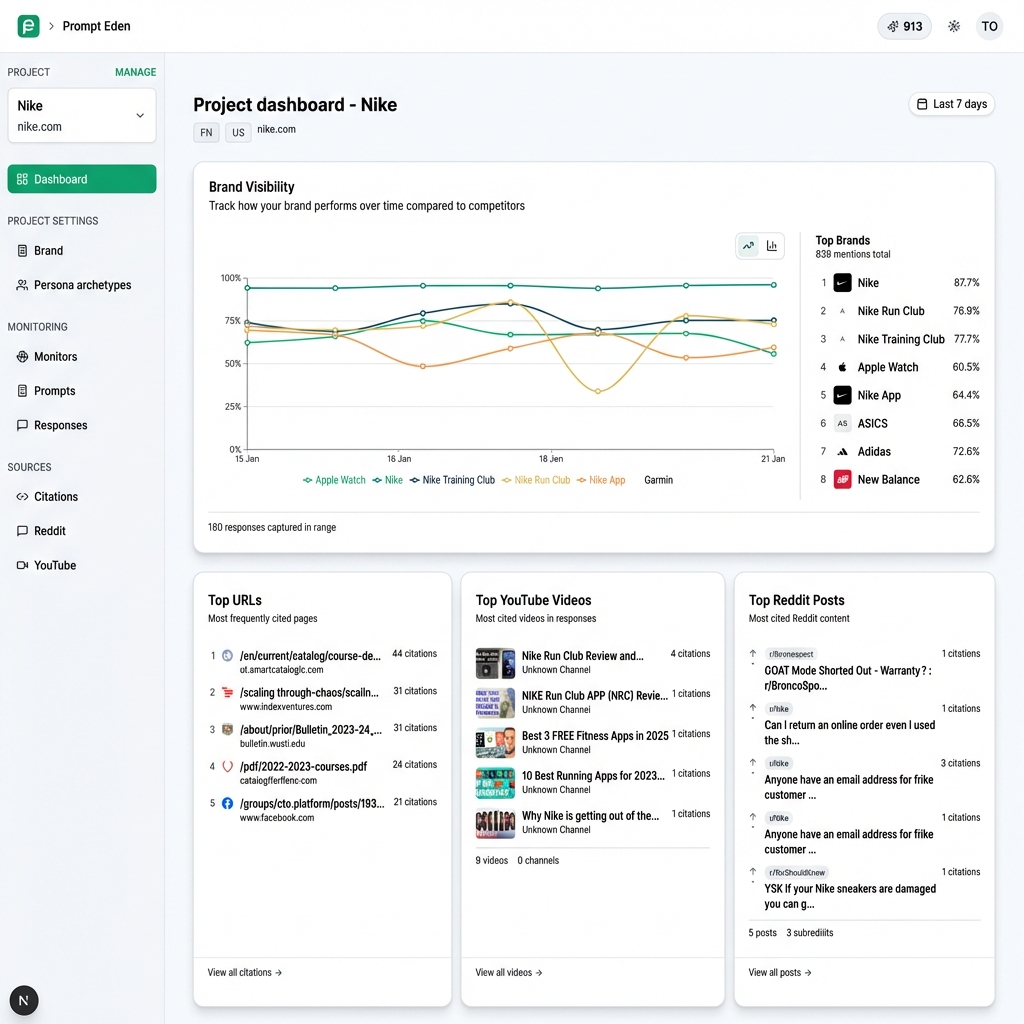
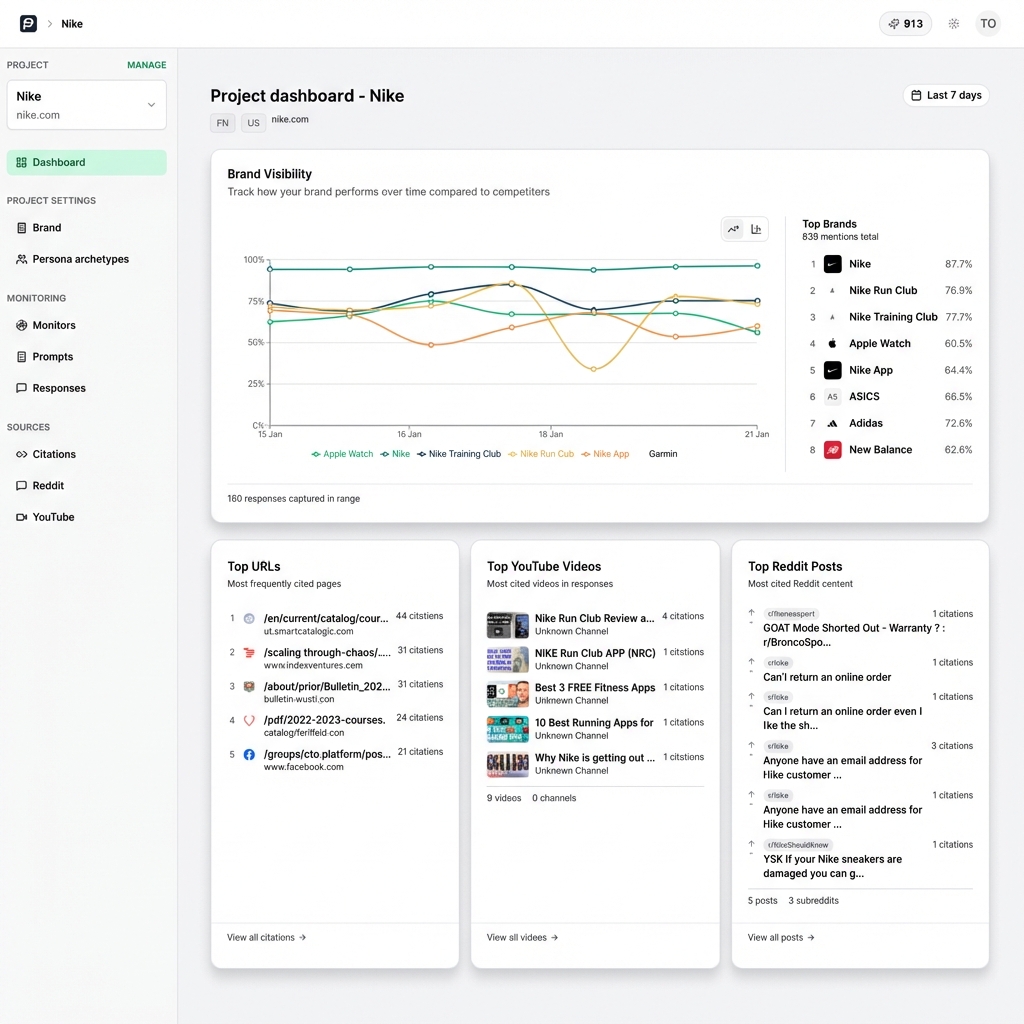
For ongoing monitoring at scale, PromptEden automates this process by tracking brand visibility across five AI surfaces on a recurring schedule, replacing manual testing with continuous measurement that catches visibility shifts as they happen.
How to Prioritize Your Findings
After completing all five steps, you will have a list of issues spread across your content. Not every fix carries equal weight, so prioritize based on impact and effort.
High impact, low effort (do these first):
- Adding FAQ schema to pages that already have FAQ sections
- Moving key answers to the top of existing sections
- Adding publication dates to undated content
- Unblocking AI crawlers in robots.txt
High impact, higher effort (schedule these next):
- Rewriting sections to follow answer-first formatting
- Adding author bylines and bios across the site
- Replacing outdated statistics with current, sourced data
- Building missing schema markup for key page types
Set a regular schedule for repeating your audit. For most teams, running a full AI content audit once per quarter keeps your content aligned with how AI platforms evolve. Between full audits, check your baseline prompt set monthly to catch significant visibility changes early.