

ChatGPT Brand Monitoring: A Practical Guide
ChatGPT brand monitoring means tracking when, how, and how favorably ChatGPT mentions your brand across different query types and operating modes. This guide covers how ChatGPT generates brand mentions, what ChatGPT Search changed for visibility, which prompts to track, and how to set up a monitoring workflow that produces data you can act on.
How ChatGPT Actually Decides to Mention Your Brand
ChatGPT is not a search engine. It does not crawl the web and rank pages by relevance. Instead, it generates responses based on patterns learned during training, occasionally supplemented by live web retrieval when Search mode is active. Understanding this distinction is the starting point for any monitoring strategy.
The Training Data Layer
The base ChatGPT model (without Search enabled) draws entirely on its training corpus, which includes a broad snapshot of the web, books, forums, documentation, and other text up to a certain cutoff date. When someone asks ChatGPT to recommend a project management tool or compare CRM options, it answers from memory, not from a live query. Your brand appears in those answers if and only if it was present, prominent, and positively discussed in the data ChatGPT was trained on.
This has a few practical consequences. First, brand visibility in base ChatGPT is sticky. A mention pattern established during training tends to persist until the model is retrained or fine-tuned. Second, the training data skews toward high-authority sources: Wikipedia, major publications, well-linked documentation, and communities like Reddit and Stack Overflow carry disproportionate weight. Third, there is a lag. Content you publish today does not immediately influence ChatGPT's training-based responses. That influence accumulates over months and carries into the next training cycle.
The ChatGPT Search Layer
When ChatGPT Search is active (either because the user enabled it or because the system routes the query there), the model performs live web retrieval before generating its response. This changes the equation significantly. Fresh content, recent reviews, and actively indexed pages can now influence what ChatGPT says about your brand in real time.
Prompt Eden monitors ChatGPT using the gpt-4o-mini-search-preview model via OpenRouter, which reflects the Search-enabled behavior. This means the monitoring data you see captures ChatGPT at its most current: it is querying the live web, not answering purely from a static knowledge snapshot.
Why Both Layers Matter
Many teams focus on one mode and ignore the other. Brands that only audit base ChatGPT miss the growing share of users who rely on Search-mode for product research. Brands that only think about Search-mode ignore the fact that most casual ChatGPT interactions still draw on training knowledge. A complete monitoring picture covers both the slow-moving training layer and the real-time retrieval layer.
What ChatGPT Search Means for Brand Visibility
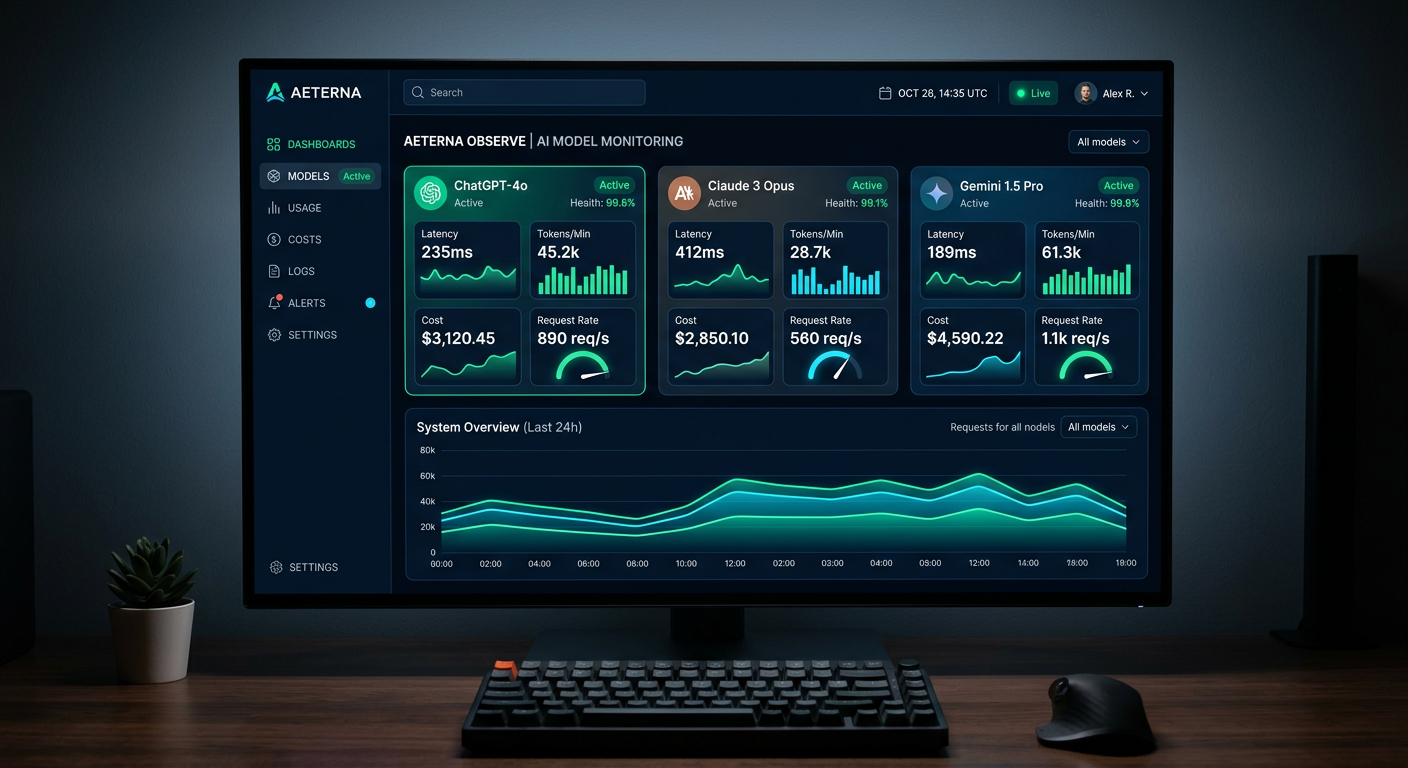
ChatGPT Search launched broadly in late 2024 and fundamentally shifted how marketers should think about ChatGPT visibility. Before Search mode, the only lever you could pull was building authority in your training data footprint. After Search mode, real-time signals started mattering too.
How ChatGPT Search Selects Sources
ChatGPT Search retrieves results using Bing as its primary index. When a user asks a question, the system queries Bing, pulls a set of results, reads the page content, and incorporates that information into its response. Pages that rank well in Bing (and by extension in most major search engines, given the correlation) have a better chance of being retrieved.
Unlike Perplexity, ChatGPT Search does not always display inline citations. Sometimes it will reference a source; often it synthesizes without attribution. This means traffic from ChatGPT Search is harder to measure through analytics than Perplexity referrals, but the source selection mechanism is similar: authoritative, well-structured, recently updated pages get pulled.
The Difference Between Citation and Influence
Even when ChatGPT Search does not cite your page explicitly, the content of your page can still shape what the model says. If your product page clearly defines your differentiators and ChatGPT retrieves it, those differentiators may appear in the synthesized response without a direct attribution link. This invisible influence is one reason why ChatGPT is harder to monitor than a platform like Perplexity, where every claim has a numbered citation you can track.
Prompt Eden's Citation Intelligence feature extracts URLs from ChatGPT responses when citations are present, giving you data on which sources the model is actually referencing. Over time, this builds a picture of which third-party sites have influence over how ChatGPT describes your brand.
Search Mode and Competitor Visibility
If your competitors have stronger content coverage, better review site presence, or fresher documentation, Search mode can work against you. ChatGPT may retrieve and synthesize competitor content even when a user's question was not explicitly comparative. Monitoring prompts like "best [your category] tool" in Search mode reveals which brands ChatGPT is actually pulling from its live retrieval, which is often different from what base-model responses suggest.
Setting Up ChatGPT Brand Monitoring
Getting a monitoring setup running takes less time than most teams expect. The challenge is not the initial configuration; it is building the prompt library thoughtfully so the data you collect is actually useful.
Step 1: Define Your Monitoring Scope
Before adding any prompts, decide what questions matter most for your brand. There are three categories to cover:
- Brand awareness prompts: "What is [Your Brand]?", "Tell me about [Your Brand]", "What does [Your Brand] do?" These test whether ChatGPT has accurate, complete information about you.
- Category recommendation prompts: "What are the best [product category] tools?", "Recommend a [solution type] for [use case]." These test whether ChatGPT includes you when users ask about your market.
- Comparison prompts: "[Your Brand] vs [Competitor]", "Compare [Your Brand] and [Competitor]." These test how ChatGPT positions you head-to-head and whether its information is accurate.
Use Prompt Eden's free AI Query Generator to get a starter set if you are not sure which prompts to prioritize. The tool generates query variations based on your brand and category, which saves the work of brainstorming from scratch.
Step 2: Create Your Prompt Eden Project
Sign up at Prompt Eden and create a project for your brand. Enter your brand name, website, and a short description of what you do. The system uses this context to help analyze whether AI responses accurately represent your brand.
Add your prompts from the categories above. Write them the way a real user would type them into ChatGPT, not in a formal or keyword-stuffed way. "What's the best email marketing tool for ecommerce?" produces different results than "Recommend enterprise email marketing solutions," even though both questions are nominally about the same product category. Include both styles for a fuller picture.
Step 3: Select ChatGPT as a Monitored Platform
Prompt Eden monitors ChatGPT under its "search" provider category. When you configure your project, select ChatGPT alongside whichever other platforms you want to track. Running the same prompts across ChatGPT, Perplexity, Claude, and Gemini lets you compare how your brand visibility differs by platform, which is often more revealing than any single-platform view.
Step 4: Let the First Monitoring Cycle Run
After setup, wait for the first monitoring cycle to complete. The Free plan runs weekly, Starter and Pro plans run daily, and the Business plan refreshes every three hours. Once you have initial results, you have a baseline to measure against.
Which Prompts to Track in ChatGPT
The prompts you monitor are the foundation of your whole measurement system. Weak prompt choices produce data that looks interesting but does not connect to real buyer behavior. Strong prompts mirror what your target users actually type.
Prompts That Reveal Training-Based Visibility
These tend to be simple, direct queries that ChatGPT answers from its training knowledge rather than triggering Search mode:
- "What is [Your Brand] used for?"
- "Who are the main competitors of [Your Brand]?"
- "How much does [Your Brand] cost?"
- "What are the pros and cons of [Your Brand]?"
- "Is [Your Brand] good for [specific use case]?"
Responses to these prompts tell you what ChatGPT has internalized about your brand from its training data. Outdated information, missing features, or wrong positioning in these responses points to a gap in your historical content footprint.
Prompts That Reveal Search-Mode Visibility
These tend to be discovery-oriented queries that ChatGPT often routes through Search when the user wants current information:
- "What are the best [your category] tools right now?"
- "Which [your category] tools have the best reviews?"
- "Latest updates from [Your Brand]"
- "What are people saying about [Your Brand]?"
- "[Your Brand] alternatives"
Responses to these prompts reflect live retrieval and tell you how your brand appears in currently indexed content.
Prompts That Reveal Competitive Position
These queries surface how ChatGPT ranks your brand relative to competitors:
- "Top [your category] platforms for [your primary use case]"
- "Best [your category] for [your target audience segment]"
- "[Your Brand] vs [Primary Competitor]: which is better?"
- "Affordable [your category] tools"
- "[Your category] tools with the best [your key differentiator]"
Track these consistently over time. As your content and authority signals improve, you should see your position in these responses shift upward.
Prompt Variation Matters
ChatGPT responses vary based on phrasing. "Best CRM for small teams" and "CRM software recommendations for small businesses" can return different brand sets. Running multiple phrasings of the same intent helps you understand your visibility across the full range of how users express a query, not just one formulation.
Prompt Eden supports between 10 and 400 prompts depending on your plan. Start with a focused set of prompts across all three categories above, then expand once you know which types produce the most actionable signals.
Interpreting Your ChatGPT Visibility Data
Raw monitoring data needs interpretation before it becomes useful. Here is how to read what Prompt Eden's ChatGPT monitoring results are actually telling you.
The Visibility Score Breakdown
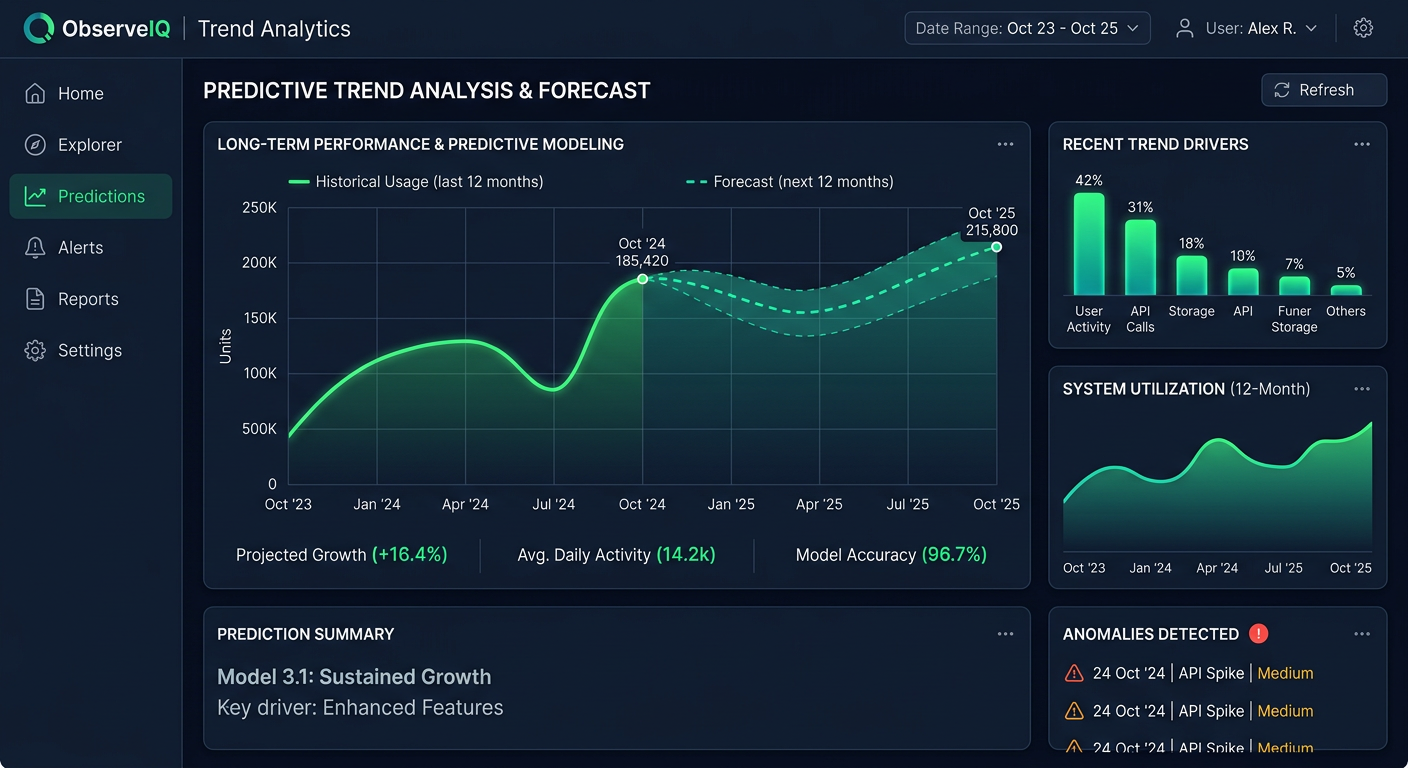
Prompt Eden's Visibility Score runs from 0 to 100 and combines four components: Presence, Prominence, Ranking, and Recommendation. For ChatGPT monitoring, each component carries distinct meaning.
Presence answers the binary question: does ChatGPT mention your brand at all when asked relevant questions? A low Presence score on category queries means ChatGPT is answering questions about your market without including you. That is a significant visibility problem.
Prominence measures how much attention ChatGPT gives your brand within a response. Being listed alongside nine competitors in a single sentence is very different from being described in a dedicated paragraph with specific feature details. High Presence but low Prominence often means ChatGPT knows you exist but does not have enough detailed information to discuss you substantively.
Ranking tracks where your brand appears in ordered lists. If ChatGPT consistently lists you fifth in a category of five, that is different from appearing second. Ranking movement over time is one of the clearest indicators that your content or authority signals are improving.
Recommendation captures the strongest signal: whether ChatGPT explicitly suggests your brand rather than merely acknowledging it. "Brand X is one option" scores lower on Recommendation than "For teams focused on [use case], Brand X is worth serious consideration."
Reading Patterns Across Prompts
After a few weeks of monitoring, look for patterns rather than fixating on individual responses. ChatGPT's responses vary run-to-run due to the probabilistic nature of language models. What matters is the pattern across many responses and many prompts.
Common patterns and what they mean:
- Strong branded query scores, weak category query scores: ChatGPT knows who you are but does not associate you with broader category questions. Your content probably describes your product well but does not clearly position you as a leader in your space.
- Strong on base-model queries, weak on Search-mode queries: Your training data footprint is solid but your current web content is not being retrieved by Search mode. Check freshness, authority signals, and whether your pages are indexed.
- High variance across prompt phrasings: ChatGPT's response to your brand is inconsistent. This often reflects conflicting information in training data or poor clarity in how your brand is described across different sources.
Tracking Competitor Mentions
Prompt Eden's Organic Brand Detection automatically surfaces competitor brands that appear in ChatGPT responses to your tracked prompts. When ChatGPT recommends Brand X instead of you for a query, that detection captures it. Over time, you build a map of which competitors ChatGPT associates with which query types, which tells you exactly where the competitive gaps are.
A competitor appearing frequently in responses where you do not appear is a signal to investigate what content or authority signals they have that you lack. Often, it comes down to third-party coverage: review sites, press mentions, forum discussions, or well-cited documentation that ChatGPT's training data or Search mode is picking up.
Citation Data as a Diagnostic Tool
When ChatGPT Search does include source links, Citation Intelligence captures those URLs. Over time, this data reveals which third-party sites have the most influence over ChatGPT's descriptions of your brand and your category. If a competitor's blog consistently appears as a cited source for category queries, that site carries real influence over ChatGPT's answers. Understanding that influence map helps you prioritize where to build coverage, earn links, or pursue press mentions.
Improving What ChatGPT Says About Your Brand
Monitoring tells you where you stand. This section covers the practical actions that move those numbers.
Build Your Training Data Footprint
For base-model responses, the work happens before ChatGPT's training cutoff. The goal is to ensure that high-authority sources discuss your brand accurately, in detail, and in context. Practical steps:
- Update your Wikipedia presence. Wikipedia is heavily weighted in training data. If your brand has an outdated or missing page, correct it through the proper editorial process.
- Earn coverage in industry publications. When TechCrunch, G2, Capterra, Product Hunt, or vertical-specific media write about your brand, those sources carry significant training data weight. PR and media relations have direct AI visibility implications.
- Maintain active review site profiles. G2, Trustpilot, Capterra, and similar platforms are cited heavily in AI training data. Fresh, detailed reviews improve how ChatGPT represents your brand's user experience.
- Create comprehensive public documentation. Well-structured, detailed documentation that clearly explains what your product does and who it serves gives ChatGPT concrete content to draw on.
Optimize for ChatGPT Search Retrieval
For Search-mode responses, standard SEO work applies, but a few specific signals matter more:
- Allow GPTBot in your robots.txt. ChatGPT's web crawler is GPTBot. If your robots.txt blocks it, ChatGPT Search cannot retrieve your pages. Check with Prompt Eden's free AI Robots.txt Checker to confirm your site is accessible.
- Keep key pages fresh. ChatGPT Search weights recent content. Key product and comparison pages should be updated at least quarterly.
- Publish comparison content. Pages like "[Your Brand] vs [Competitor]" give ChatGPT structured information to use when users ask comparison questions. Make them substantive, specific, and balanced.
- Include specific facts. Numbers, dates, integrations, pricing ranges, and customer counts give ChatGPT concrete details to work with. Vague benefit language gives it nothing useful to cite.
Close the Gap Between What ChatGPT Says and What Is True
Sometimes ChatGPT monitoring reveals factual errors: wrong pricing, discontinued features, outdated positioning, or missing product capabilities. These errors usually trace back to outdated sources in the training data or retrieval results.
Fix them by updating the primary sources. If a widely-cited review article has incorrect information, reach out to the publication. If your own documentation is outdated, update it. If ChatGPT is picking up an old press release, make sure fresher, more accurate content exists and is well-indexed.
This correction process takes time, especially for training-data errors that persist across model versions. Search-mode errors respond faster because fresher content can be retrieved immediately.